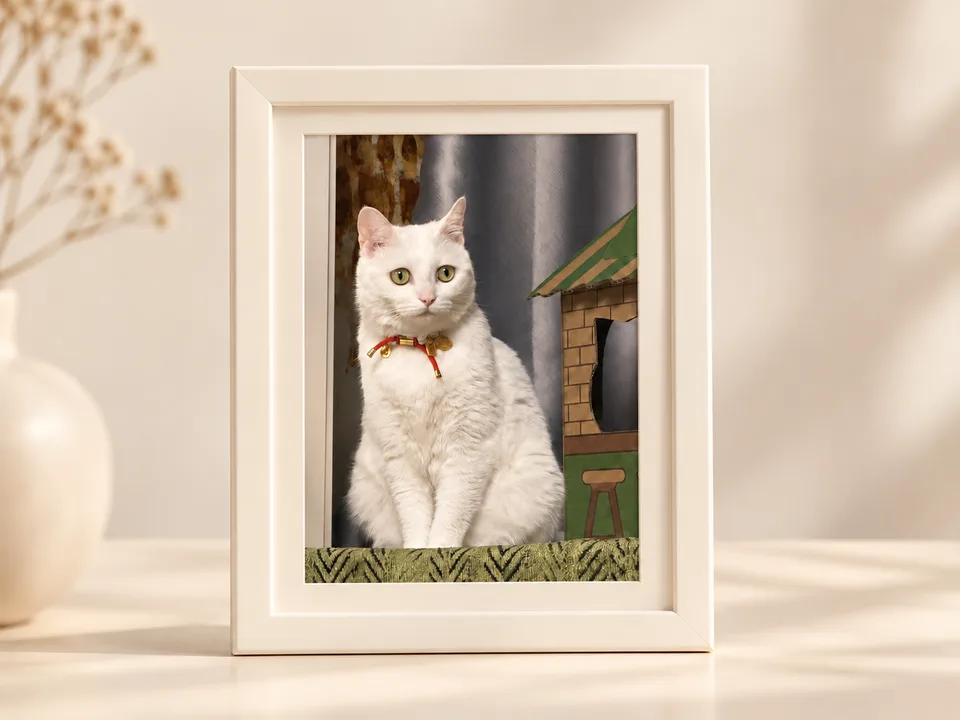
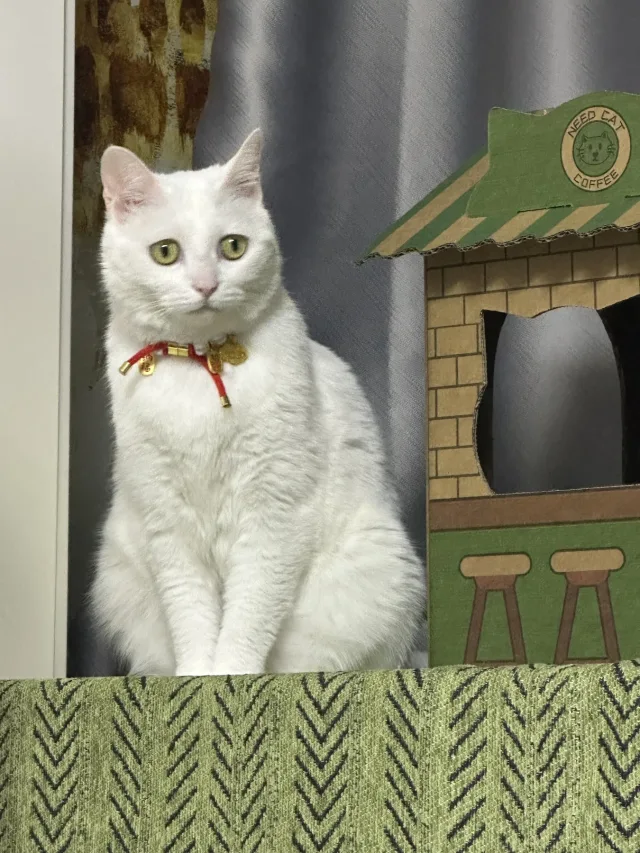
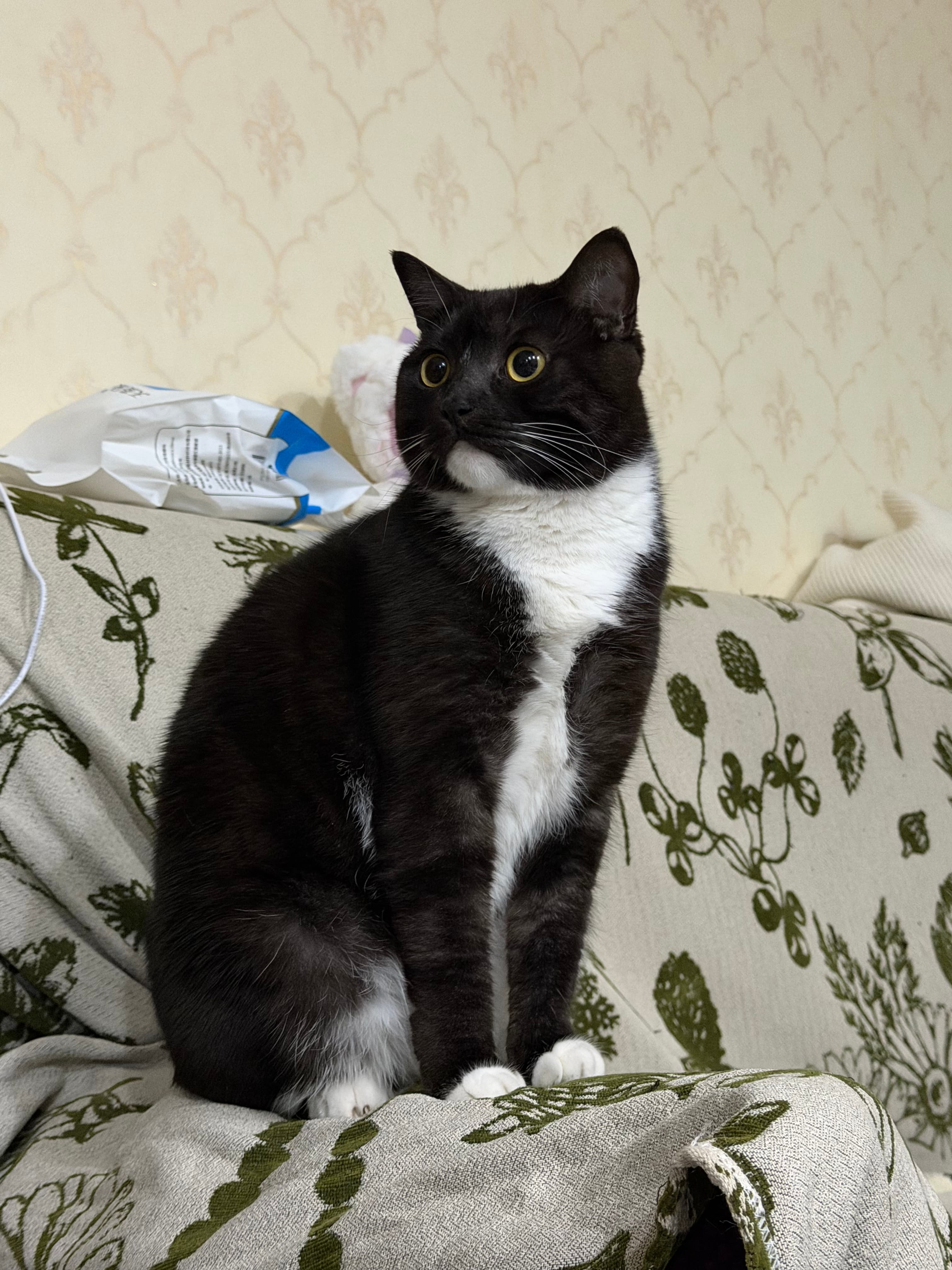
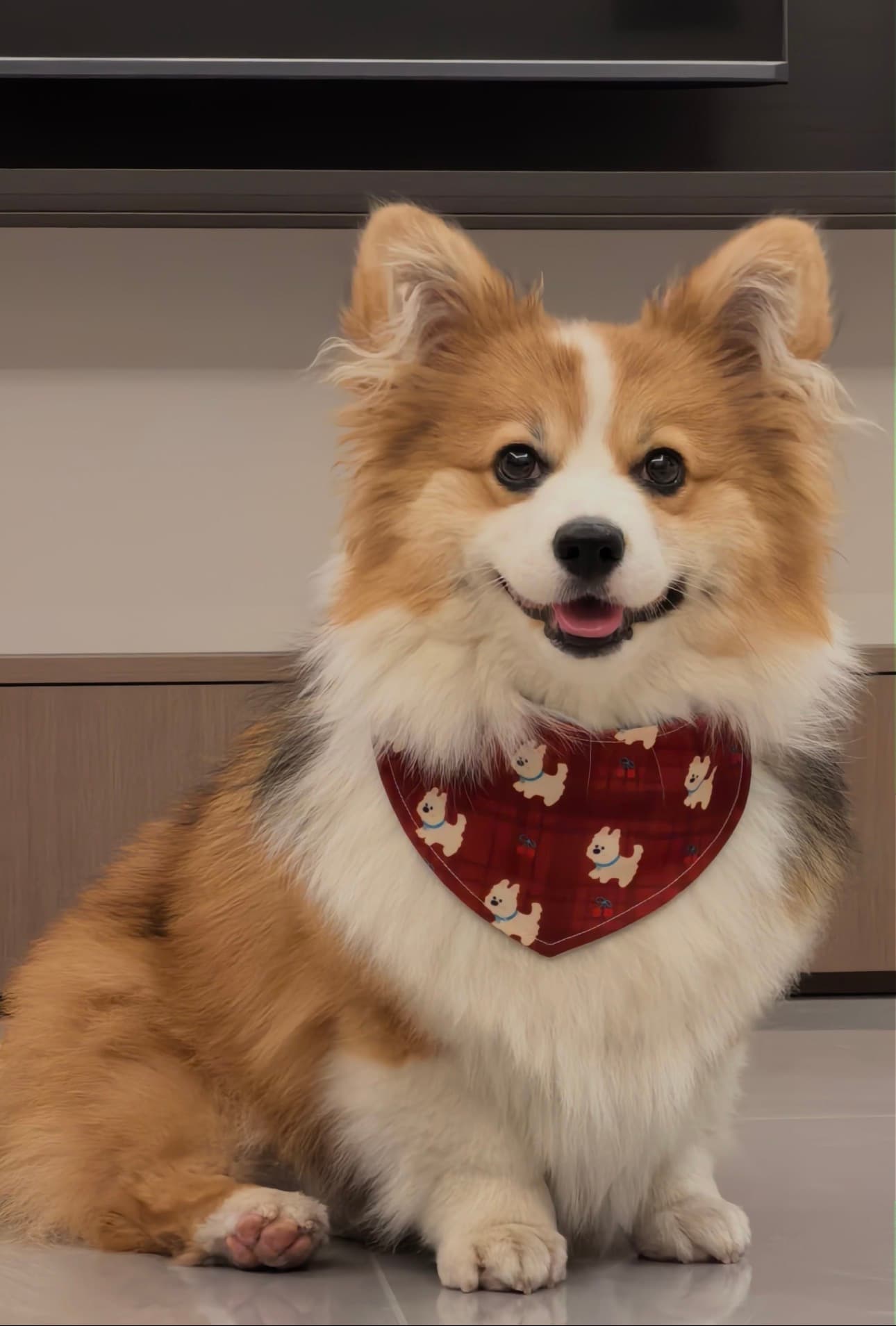
1. Create your pet
Choose a photo of your pet and follow the PetWaits creation flow. Creation usually takes a few minutes after payment is confirmed.
 PetWaitsYour pet, on your desktop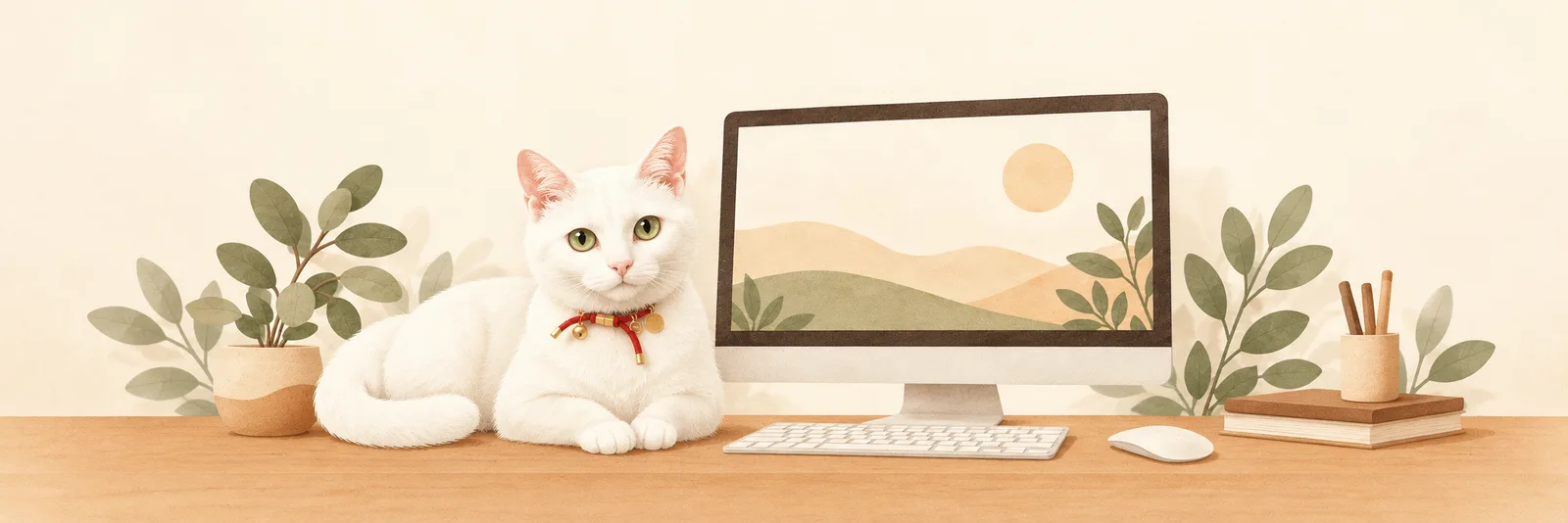
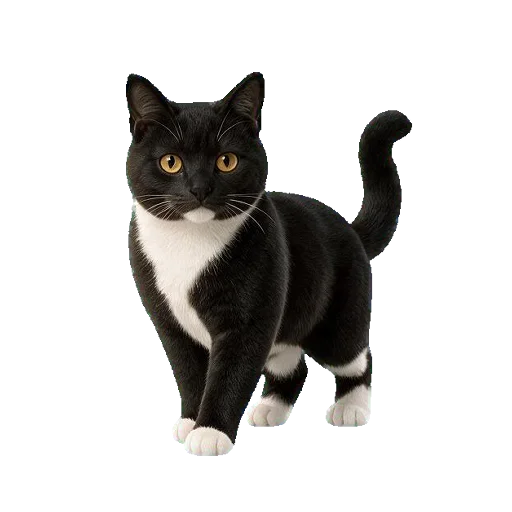
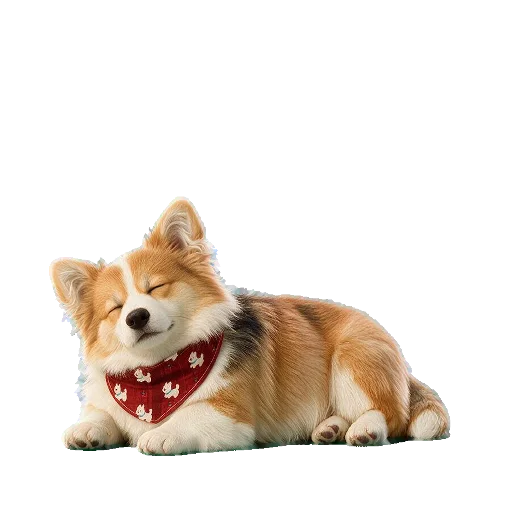
Turn your pet’s photo into a little companion for your Windows PC. Watch them sing, dance, and keep you company throughout your day.
Windows 11 · x64
Choose a photo of your pet and follow the PetWaits creation flow. Creation usually takes a few minutes after payment is confirmed.
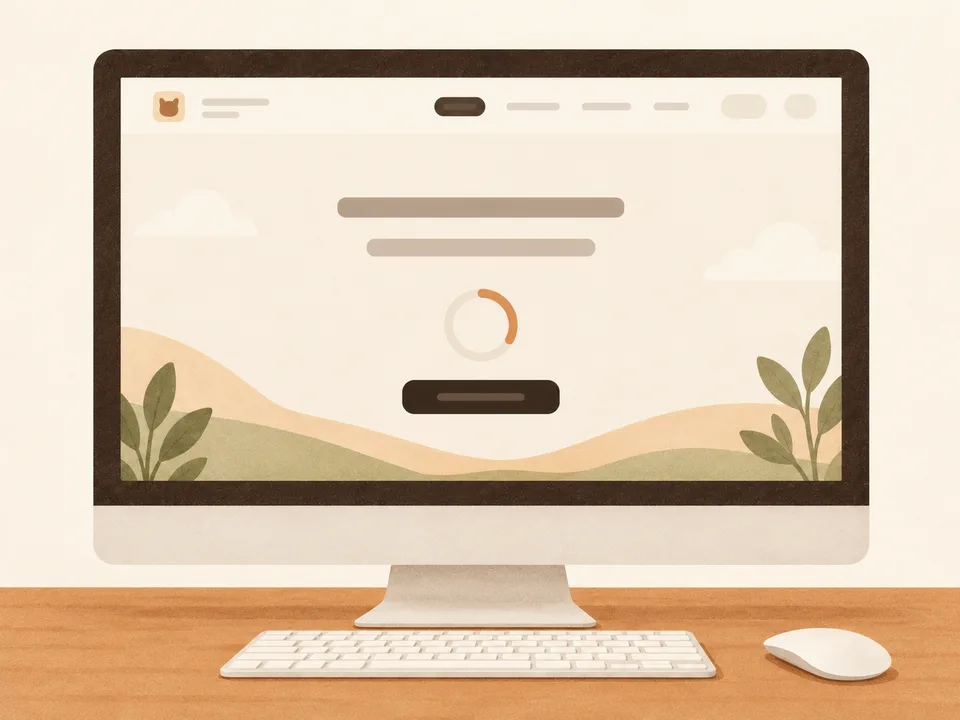
Get PetWaitsSetup.exe from the download page and follow the on-screen instructions.
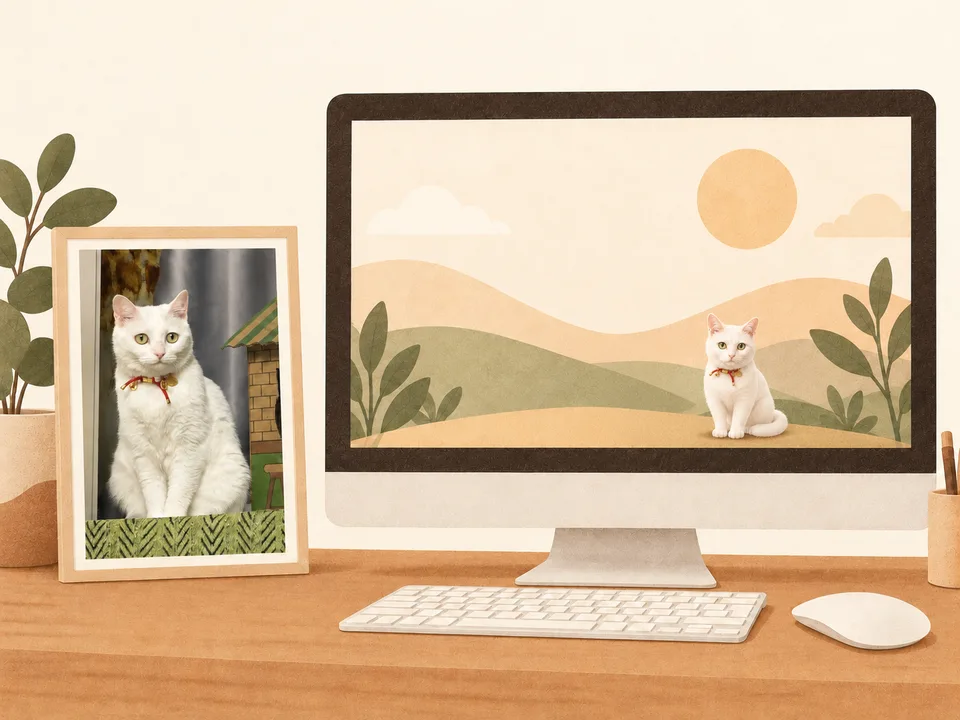
Open PetWaits from the Start menu. Sign in with the same account you used to create your pet, then download it from My Pets.
See your pet when you turn on your computer. Watch them sing, dance, and keep you company while you work.
Take a little break and let your pet sing you a song. For a moment, the work can wait while a familiar face brings a little lightness to your day. Then return to what you were doing feeling a little more like yourself.
Missing your pet in the middle of the day? Ask your little desktop companion to dance and watch those familiar features come to life. It's a small reason to smile at your desk, and one more reason to look forward to seeing them at home.
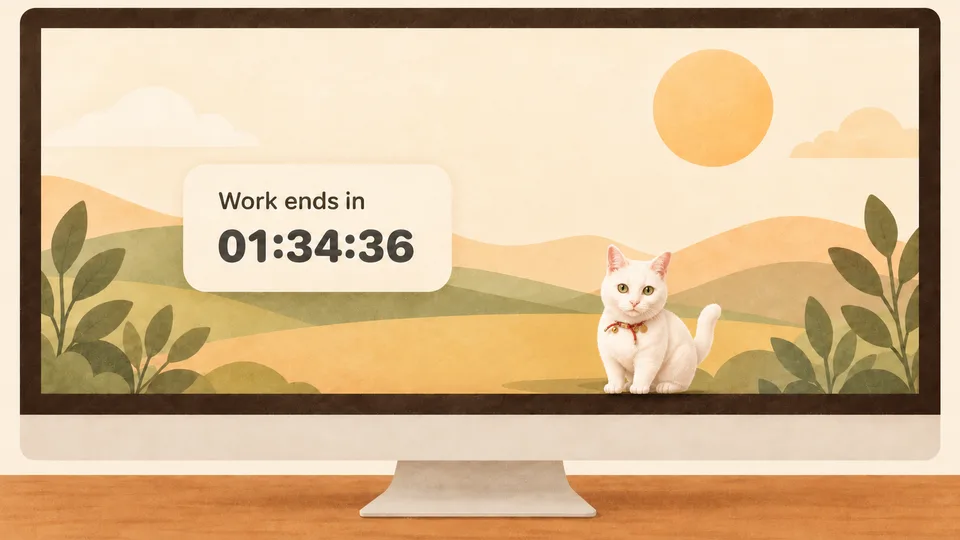
Through emails, meetings, and everything in between, your pet is right there on your desktop. Give them a little pat, watch the countdown to the end of the workday, and look forward to the real-life reunion waiting for you at home.
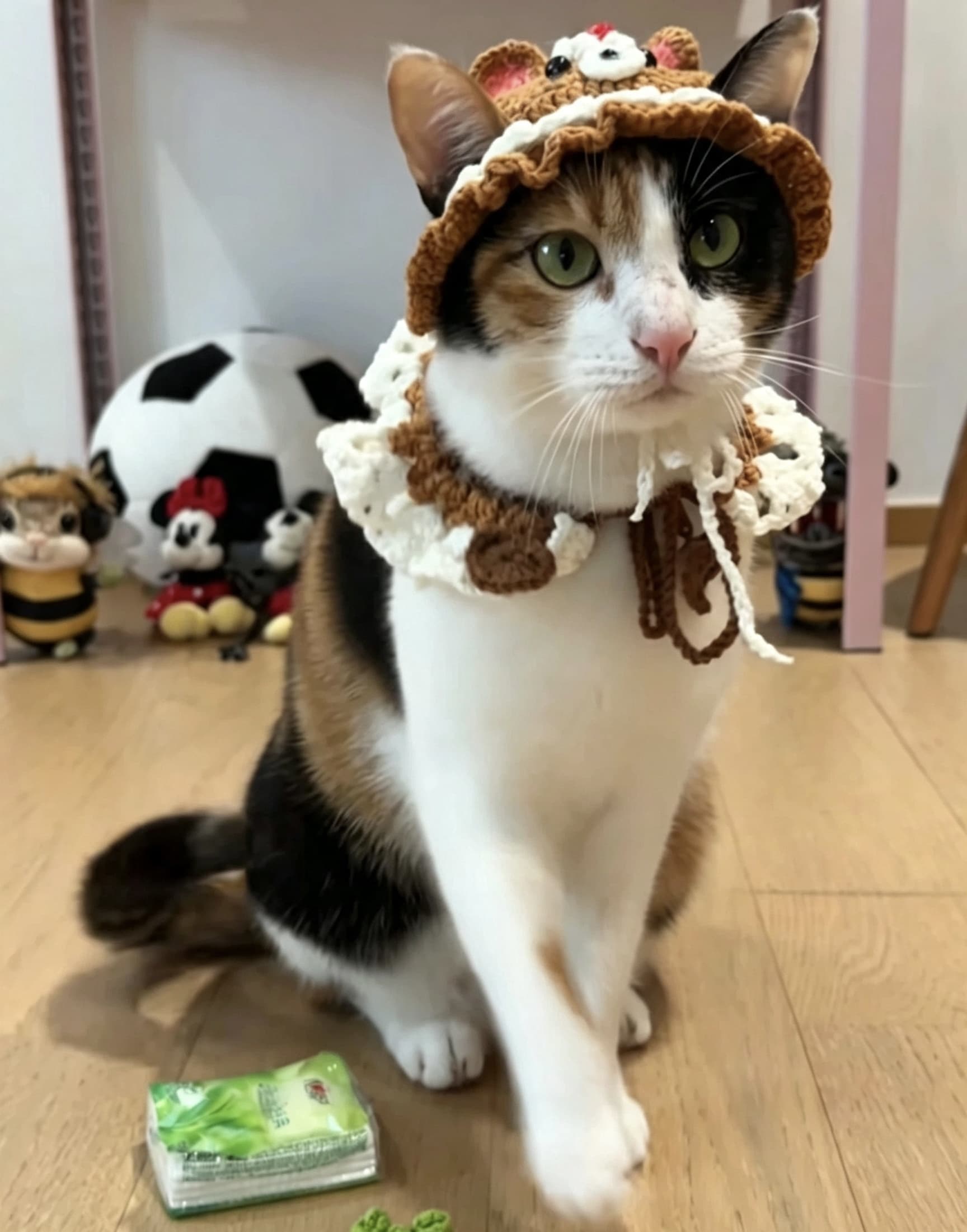
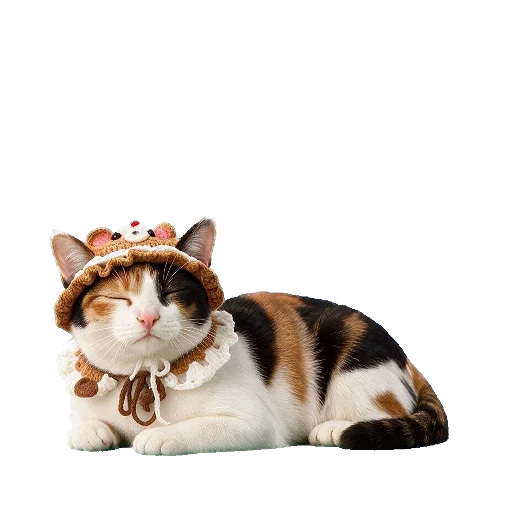
Reading price…/ pet
PetWaits is officially supported on Windows 11 PCs with x64 processors. Windows 10 compatibility is best effort, and native Windows on ARM is not supported. See the Mac requirements.
Go to the download page, get PetWaitsSetup.exe, and follow the on-screen instructions. After installation, open PetWaits from the Start menu.
Yes. Start with your pet’s photo in the PetWaits creation flow. See how a photo becomes a desktop pet.
Each desktop pet is a one-time purchase with no subscription. See the current price and offer.
Sign in to PetWaits for Windows with the same account, then download your pet from My Pets. For Mac, see the Mac desktop pet guide.
If creation fails or you’re not satisfied with the result, you can request a full refund. For dissatisfaction, contact support and we’ll handle your request manually.